Gemini Can Analyze Your Spending, but Google Requires Keep Activity On
Google Wallet’s new Gemini connection is read-only, but users must keep Keep Activity on. Here’s what Google says that means for transaction data.
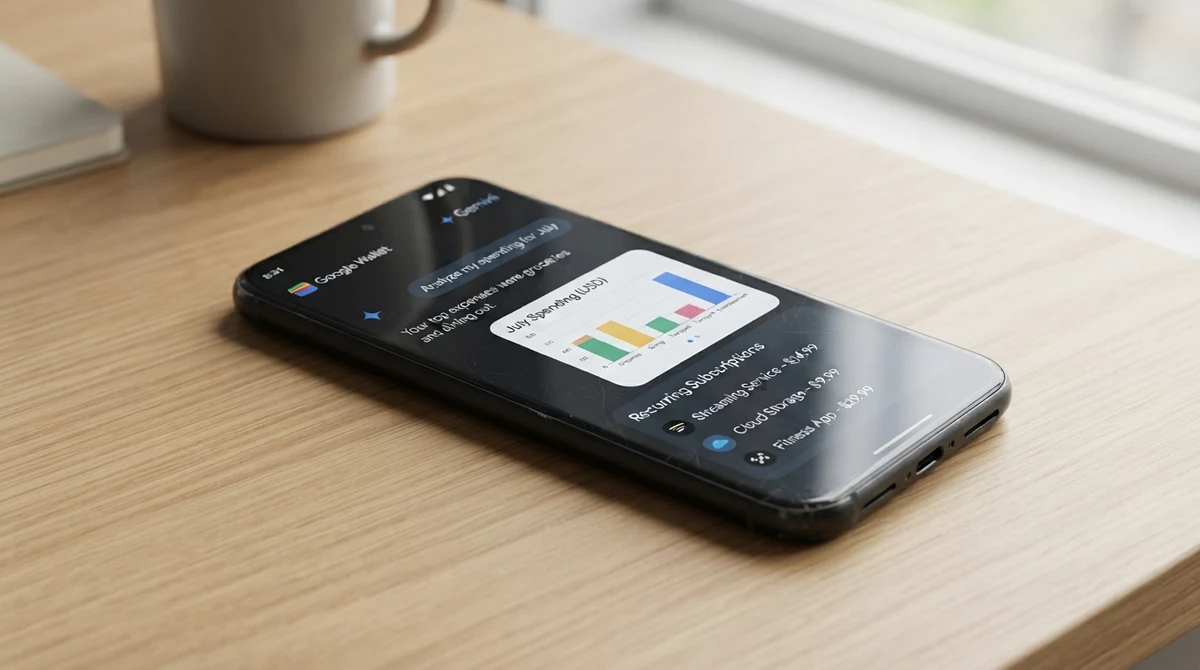
Google began rolling out a Google Wallet connection for Gemini in the United States on November 13, 2026. Users can ask the assistant to review spending, find recurring subscriptions and suggest budgets. The connection is optional and read-only, but Google requires its Keep Activity setting to be on.
The rollout covers Gemini on the web, Android and iOS, though it may not have reached every eligible user. Users can link bank and credit-card accounts to Google Wallet through Plaid for spending insights. They must be at least 18, use a personal Google Account and use Gemini in English.
What Gemini can do with spending data
Users can ask Gemini to summarize expenses, chart cash flow, flag recurring charges or identify price increases. Google says the assistant can also use past spending to suggest a budget. Mentioning Google Wallet in a prompt directs Gemini to the connected app.
Google says Gemini can read connected financial information, but it cannot move money, manage accounts or invest. Users can disconnect the app. Google’s announcement and Android Authority’s report describe the connection as opt-in and read-only.
Read-only still comes with a data tradeoff
Google says it does not train generative AI models directly on Google Wallet data. But with Keep Activity on, Gemini activity that includes connected-app data may be used to improve Google services. Google says that may include training on summaries, excerpts and inferences drawn from transactions. A subset of connected-app data may also be reviewed by people, after steps to reduce personal information.
The assistant cannot carry out financial actions, but connecting it lets Gemini analyze spending patterns while Keep Activity is enabled. Google advises users not to rely on Gemini for professional financial advice.
What to check before connecting
- Eligibility: The rollout is for eligible users in the United States and may not be available to everyone yet.
- Account linking: Users can choose to link bank and card accounts to Wallet through Plaid.
- Activity settings: Keep Activity must be on to connect Wallet. Users can disconnect the app and separately review or delete Gemini activity.
Gemini can sort and summarize spending, but connecting Google Wallet requires Keep Activity to remain on. Google says transaction data is not used to train its generative AI models directly, while some related Gemini activity may be used to improve its services.
Google’s announcement and Gemini help page explain the feature’s limits and eligibility. The practical choice is between automated spending analysis and keeping this connection turned off.